
Sample 1
15B open model · Apache 2.0
daVinci-MagiHuman AI video generatorOne portrait. Lip-synced. Free.
Upload a photo, add a script or audio, and get a natural talking clip — audio and video generated together with daVinci-MagiHuman.
- 15BParameters
- Apache 2.0License
- ~2sWall time*
Live demo
Portrait → lip-synced talking video
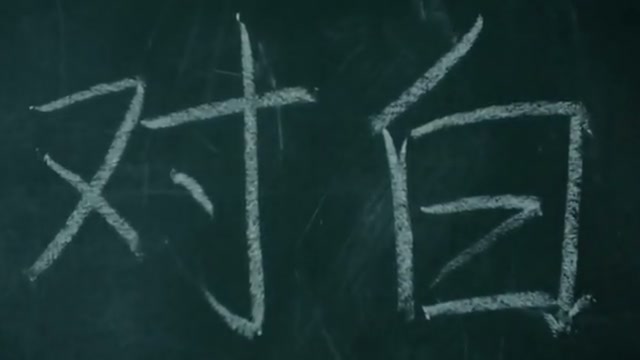

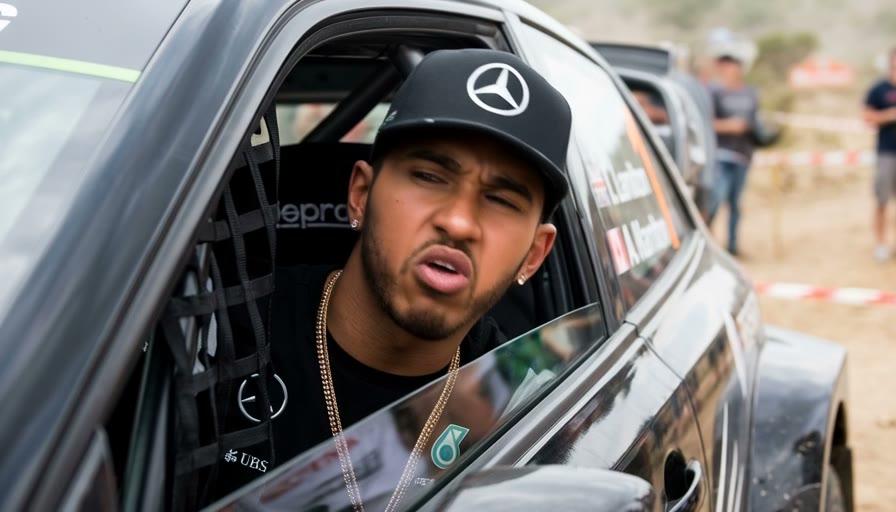
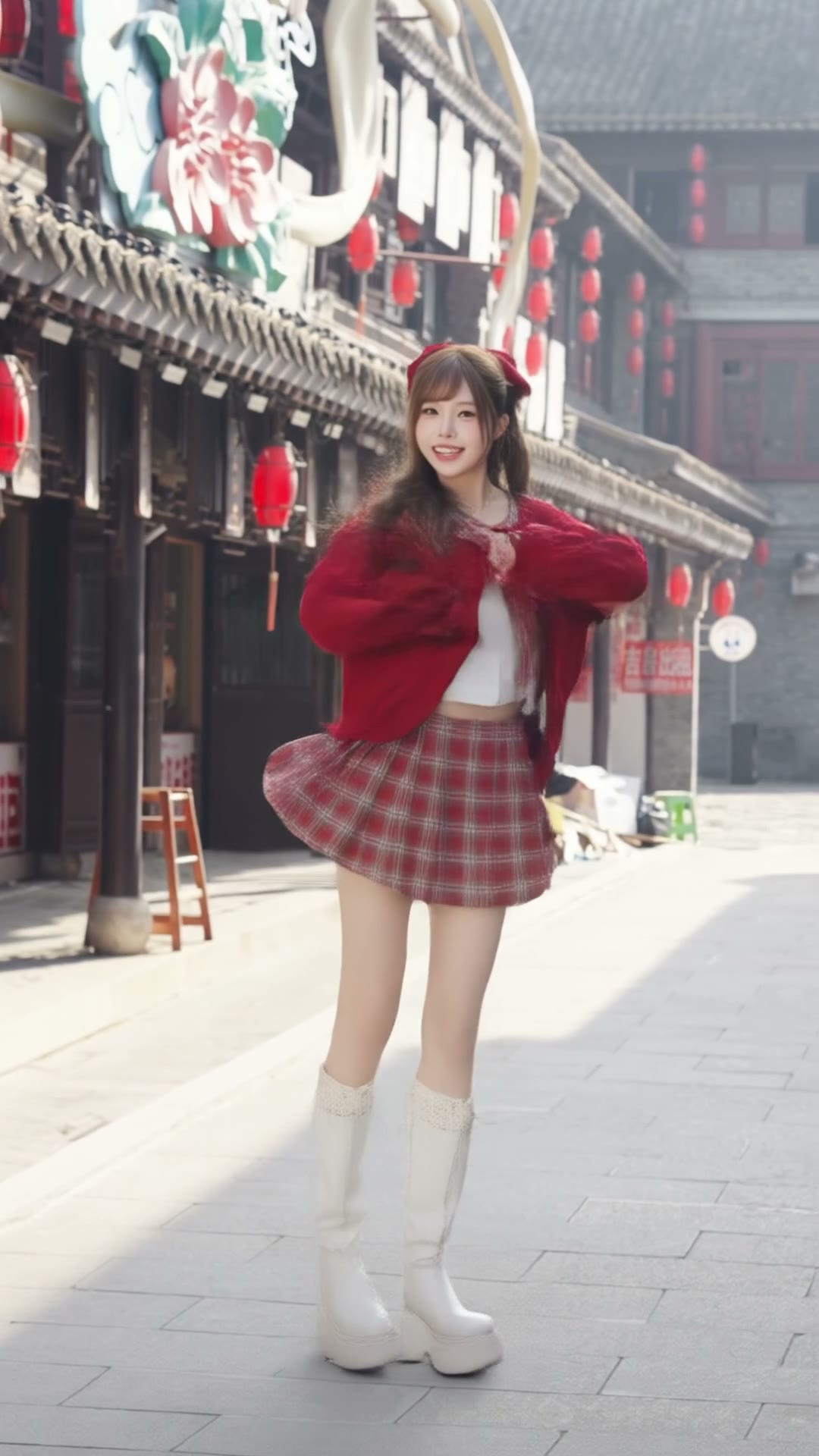
Official open-source demos from GAIR Lab & Sand.ai
Browse all examplesContinues in the studio
*Indicative on H100-class GPU at 256p; actual speed depends on settings and hardware.
Examples
See daVinci-MagiHuman in action
Official demo clips from the open research release — expressive faces, natural speech, and audio–video generated together.
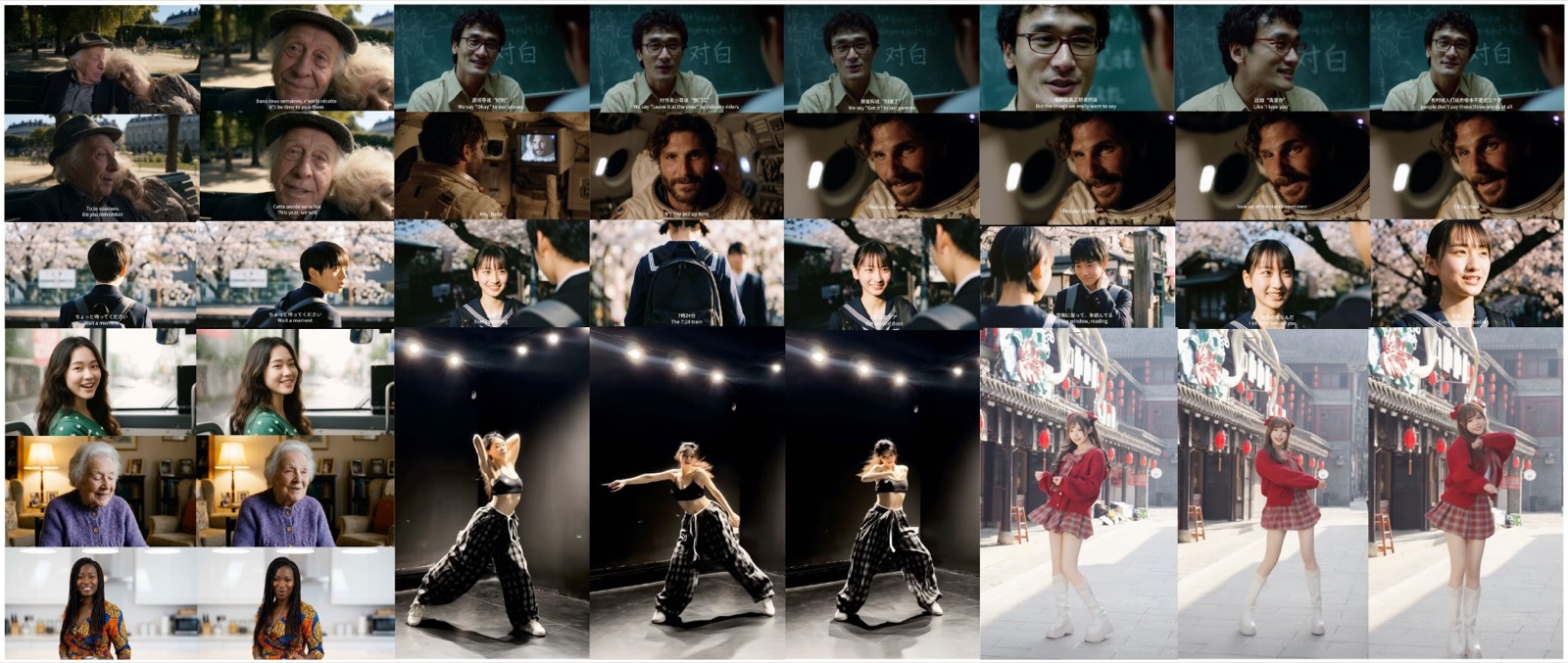
Demo
Sample 2
Sample 3
Sample 4
Sample 5
Sample 6
Sample 7
Clips adapted from the official GAIR-NLP / Sand.ai daVinci-MagiHuman demos (web-optimized, muted autoplay).
Overview
What is daVinci-MagiHuman?
Open model and research partners
daVinci-MagiHuman is a 15B-parameter open-source AI model developed by Sand.ai and GAIR Lab (Shanghai Jiao Tong University). It is released under the Apache 2.0 license, so you can inspect weights, run inference locally, and use it commercially within the license terms.
Unified audio–video generation
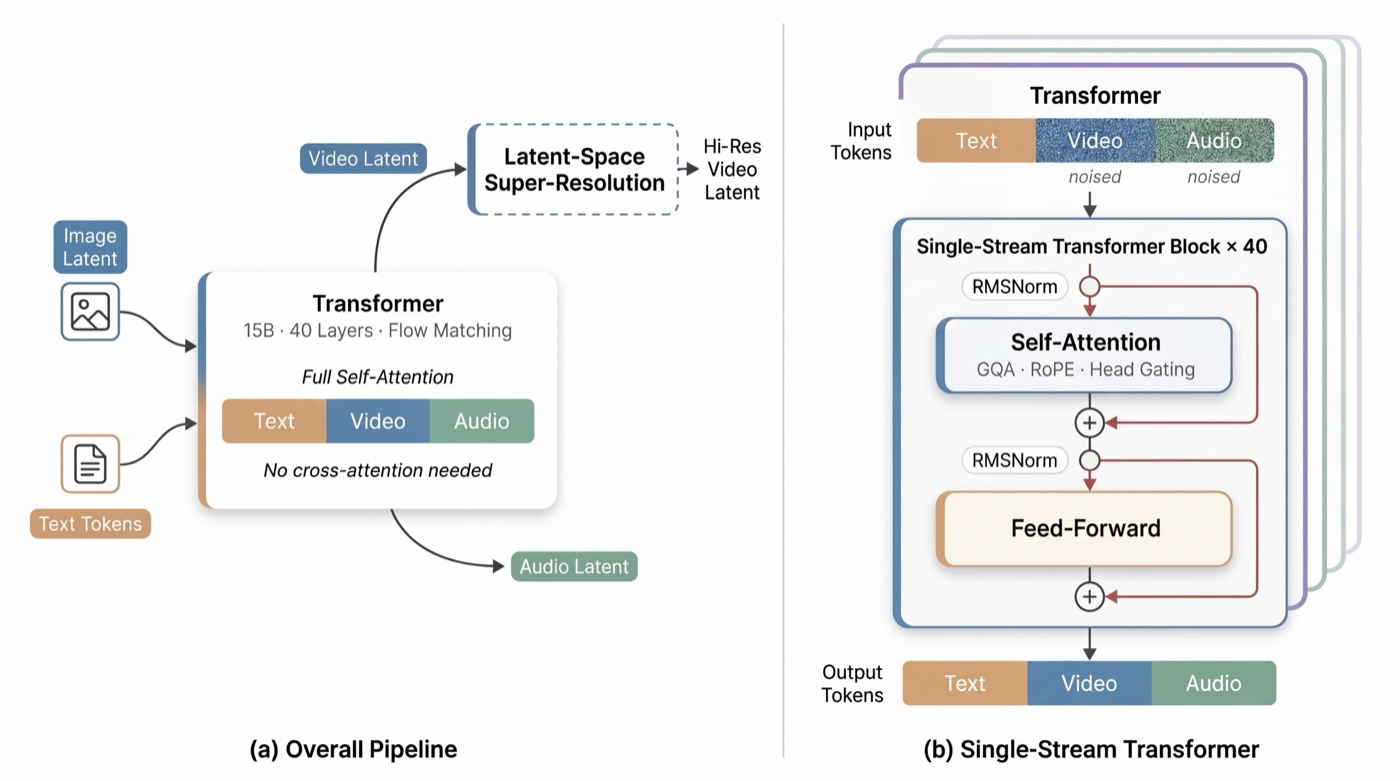
daVinci-MagiHuman takes a face photo plus text or audio and produces a lip-synced talking video with matching audio. The daVinci-MagiHuman single-stream Transformer jointly denoises video and audio tokens at the same time instead of stitching separate pipelines.
Speed, quality, and baselines
On a single NVIDIA H100 GPU, daVinci-MagiHuman can generate a short 256p clip in about two seconds of wall time for a 2-second clip (throughput depends on settings and hardware). Research-focused evaluations of daVinci-MagiHuman report strong word-error rates and high human preference versus several public baselines.
Capabilities
Key Features
Six reasons teams benchmark daVinci-MagiHuman for unified audio–video talking avatars — the same daVinci-MagiHuman traits matter whether you discover the model via the davinci-magihuman keyword or the official papers.
Unified Audio + Video
daVinci-MagiHuman jointly generates both modalities in one model pass — no separate TTS + video glue required.
Reference Photo Input
daVinci-MagiHuman works from a single portrait photo as the visual anchor for the talking head.
Multilingual
daVinci-MagiHuman supports multiple languages for lip sync (coverage depends on training data and release notes).
Open Source
Apache 2.0 — daVinci-MagiHuman weights are free to use and extend commercially within the license.
Fast Inference
daVinci-MagiHuman reports ~2s wall time for a ~2s 256p clip on one H100-class GPU (settings-dependent).
SOTA Quality
daVinci-MagiHuman shows strong WER and human-preference results vs Ovi 1.1 and LTX 2.3 in published evaluations.
Benchmarks
How daVinci-MagiHuman Compares
Illustrative benchmark-style summary; exact figures can vary by test set and prompting. daVinci-MagiHuman reports roughly 14.6% WER vs about 40.5% for Ovi 1.1, and wins a large share of pairwise human evaluations vs Ovi and LTX 2.3.
WER and speech clarity
Lower WER generally means clearer lip-synced speech for daVinci-MagiHuman. Use the table to compare reported ranges across models on similar evaluation setups where daVinci-MagiHuman is the open baseline.
Human preference
Side-by-side studies summarize which outputs viewers prefer for naturalness and alignment, beyond automatic metrics alone — including runs where daVinci-MagiHuman wins most pairs against closed models.
License and latency
Open weights under Apache 2.0 let you self-host daVinci-MagiHuman while proprietary stacks stay closed; wall time varies by GPU tier and resolution for every daVinci-MagiHuman job.
| Model | WER (↓) | Human preference | License | Speed (indicative) |
|---|---|---|---|---|
| daVinci-MagiHuman Featured | ~14.6% | ~80% vs Ovi 1.1; strong vs LTX 2.3 | Apache 2.0 | ~2s to generate ~2s at 256p on 1× H100 (reported) |
| Ovi 1.1 | ~40.5% | Lower vs daVinci in published comparisons | Proprietary | Varies by API / deployment |
| LTX 2.3 | Higher WER in same table (varies) | Loses majority vs daVinci in reported human evals | Proprietary | Varies by resolution and stack |
Workflow
How to Use daVinci-MagiHuman
1Input
Upload a clear portrait
2
“Turn one portrait into a lip-synced talking video…”
Drive
Add script or audio
3
Output
Get a lip-synced clip
1
Prepare your portrait and script
- Upload a portrait photo — clear face, front-facing works best.
- Enter your script or upload an audio file — the model aligns lip motion to speech.
2
Choose resolution and run generation
- Select output resolution — e.g. 256p, 720p, or 1080p depending on the released inference stack and VRAM.
- Generate and download your talking video when the job completes.
3
Self-host and Hugging Face Hub
For local or server runs, pull daVinci-MagiHuman checkpoints from the Hub and follow the upstream README for CLI flags and environment setup. The davinci-magihuman landing URL and the daVinci-MagiHuman repo stay in sync as releases ship.
Example (Python / Hugging Face)
# Load model weights from Hugging Face Hub (see official repo for exact APIs)
from huggingface_hub import snapshot_download

repo_id = "GAIR/daVinci-MagiHuman"
local_dir = snapshot_download(repo_id)
# Follow GAIR-NLP/daVinci-MagiHuman README for inference scripts and CLI flags.
FAQ
Frequently Asked Questions
Twelve common questions about daVinci-MagiHuman. Expand any item for details — useful whether you searched davinci-magihuman or the full daVinci-MagiHuman model name.
What is daVinci-MagiHuman?
daVinci-MagiHuman is a 15B-parameter open audio–video model from Sand.ai and GAIR Lab (SJTU) that turns a portrait plus text or audio into a lip-synced talking clip, trained to emit aligned speech and frames together.
Is daVinci-MagiHuman free?
daVinci-MagiHuman open weights and code are released under Apache 2.0. Hosted demos may have separate terms; self-hosting daVinci-MagiHuman follows the license.
What inputs does it need?
daVinci-MagiHuman typically needs a face image plus driving text or audio; exact file formats and limits for daVinci-MagiHuman follow the official inference README.
How does it compare to Sora or Veo?
Those are general video systems with different scopes. daVinci-MagiHuman targets unified talking-head audio–video generation with open weights rather than closed cinematic models.
Can I use it commercially?
Apache 2.0 allows commercial use of daVinci-MagiHuman subject to its conditions (attribution, notices, etc.). Review the license and your compliance obligations when shipping daVinci-MagiHuman outputs.
Where can I download or try daVinci-MagiHuman?
Use the Hugging Face daVinci-MagiHuman model card and Space linked on this page, or clone the GitHub repository for daVinci-MagiHuman scripts and checkpoints.
Which languages are supported for lip sync?
daVinci-MagiHuman coverage depends on the released model and training data; check the official README for the current list of languages and any locale-specific caveats.
What GPU or hardware do I need?
daVinci-MagiHuman throughput scales with GPU class and resolution. Public reports reference H100-class GPUs for short daVinci-MagiHuman clips; lower tiers may work with smaller resolutions or distilled variants.
How do I get the best portrait results?
For daVinci-MagiHuman, use a clear, front-facing photo with even lighting and a neutral or expressive face. Avoid heavy occlusion, extreme angles, or very low resolution.
Can I use my own audio instead of text?
Yes when the daVinci-MagiHuman inference path supports audio conditioning; follow the project documentation for accepted formats, length limits, and alignment behavior.
How are outputs licensed when I generate videos?
daVinci-MagiHuman model weights are Apache 2.0; your generated content is still subject to your use case, third-party rights in inputs, and applicable laws. Seek legal advice for sensitive deployments.
Where should I report bugs or request features?
Use the GitHub issue tracker for the GAIR-NLP/daVinci-MagiHuman repository, and include logs, hardware, and reproduction steps when possible.
Start Creating Talking Videos with AI
Try the public Space, download daVinci-MagiHuman weights from Hugging Face, or clone the open-source daVinci-MagiHuman repository on GitHub. Every path below reinforces the same davinci-magihuman / daVinci-MagiHuman workflow.
Try the browser Space
Run the hosted daVinci-MagiHuman demo when you want a quick test without installing dependencies.
Weights on Hugging Face
Download daVinci-MagiHuman checkpoints and follow the model card for formats, variants, and license notes.
Source on GitHub
Clone daVinci-MagiHuman inference scripts, report issues, and track releases from the upstream repository.